MobileNest
for iPhone Xs Wireless Charging Coil Volume Button Replacement | OEM Mute Key Silent Switch Control NFC Chip Cable Assembly Metal Bracket Repair Fix Tools Kit A1920 A2097 A2098 A2099 A2100
for iPhone Xs Wireless Charging Coil Volume Button Replacement | OEM Mute Key Silent Switch Control NFC Chip Cable Assembly Metal Bracket Repair Fix Tools Kit A1920 A2097 A2098 A2099 A2100
Couldn't load pickup availability
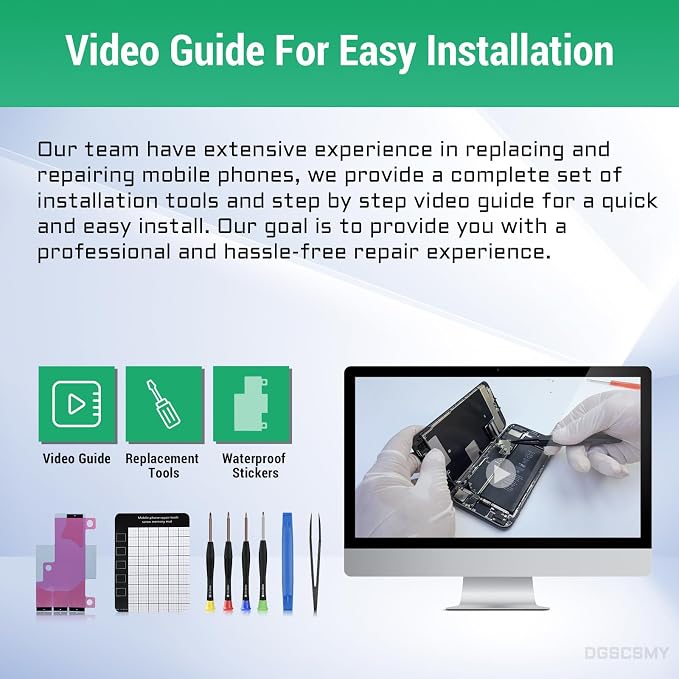
- Compatibility The Wireless Charging Coil Volume Button NFC Chip Flex Cable Replacement Suitable for iPhoneXS, (Models: A1920, A2097, A2098, A2099, A2100) NOT FOR OTHERS, Please confirm your mobile phone model before purchasing. - Easy For Install The Volume Button Replacement comes with a pre-installed power/volume button flex cable, eliminating the need for soldering during assembly. Additionally, the button flex cable already has a pre-installed metal plate, making it easy to assemble with the back cover. - Replace Damage Replacing the volume button is damaged or has lost elasticity, mute key is damaged or has lost elasticity, or experiencing abnormal wireless charging, slow charging, or non-functioning charging. - Great Replacement The replacement component utilizes a superior elastic cable made from high-quality materials. As a result, after the replacement, the buttons exhibit heightened sensitivity, ample elasticity, and both wireless charging and compass functionality operate seamlessly. - Waterproof Adhesive Sticker We offer a comprehensive range of installation tools to facilitate the installation process for your convenience. Additionally, the waterproof adhesive provides an effective safeguard against liquid intrusion, ensuring the same high level of safety as before.
Product description
for iPhone Wireless Charging Volume Mute Button Replacement
Are the repair tools complete?
How can I remove the screen more easily?
Do I need to use the appropriate screws?
Should I test the functions before sealing my phone?
What if the new replacement parts doesn't work?
Are the repair tools complete?
Yes, a complete set of necessary installation kits are provided.
How can I remove the screen more easily?
Please use a hair dryer to soften the glue and make it easier to remove the screen.
Do I need to use the appropriate screws?
Please note that there are many screws which are different either in size or length. Please mark them correctly. if you put the screw in the wrong place, it would break the mobile phone.
Should I test the functions before sealing my phone?
Yes, it is recommended to test replacement parts for proper functionality before sealing the phone.
What if the new replacement parts doesn't work?
We recommend checking if the cable is loose and to reinstall it, ensuring that it is properly connected and seated in its slot.
Share