- Natural Writing Experience: Write, sketch, and take notes naturally with responsive tilt sensitivity and precise pixel-level control. The stylus delivers a smooth pen-on-paper feel for drawing, studying, digital planning, and professional work.
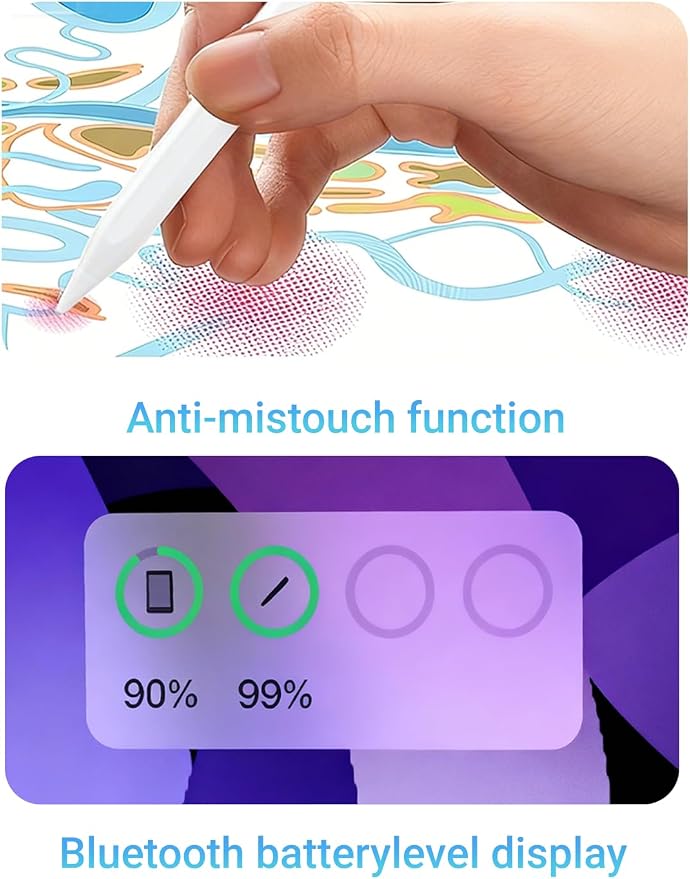
- Real-Time Battery Display on iPad: Easily check the stylus battery level directly on compatible iPads without guessing remaining power. Stay informed during studying, meetings, note-taking, and creative work for a smoother uninterrupted experience.
- Smart Shortcut Controls: Designed with intuitive gesture shortcuts for faster workflow control. Single tap: Return Home, Double tap: Open Recent Apps, Long press: Power On/Off, Quick access controls help improve productivity without interrupting your creative flow.
- Palm Rejection Technology: Rest your hand comfortably on the screen while writing or drawing. Advanced palm rejection helps prevent accidental touches, creating a cleaner and more natural iPad experience for students, artists, and everyday users.
- USB-C Fast Charging & Long Battery Life: Recharge quickly with modern USB-C charging and enjoy reliable all-day performance. Built for extended writing, drawing, meetings, classes, and creative sessions without frequent charging interruptions.
Product description
Can I see the stylus battery level on my iPad?
What shortcut controls does the stylus support?
Does the stylus support magnetic charging?
Does this stylus support palm rejection and tilt sensitivity?
Which iPads are compatible with this stylus?
Can I see the stylus battery level on my iPad?
Yes. Compatible iPads can display the stylus battery level directly on screen, allowing you to monitor remaining power while writing, drawing, studying, or working without interruption.
What shortcut controls does the stylus support?
The stylus supports shortcut gestures for faster control:
Single Tap ? Return Home
Double Tap ? Open Recent Apps
Long Press ? Power On/Off.
Does the stylus support magnetic charging?
No. The stylus supports magnetic attachment for convenient storage only. Charging is completed through the included USB-C charging port.
Does this stylus support palm rejection and tilt sensitivity?
Yes. Palm rejection allows comfortable hand placement on screen, while tilt sensitivity enables smoother shading and more natural drawing or writing.
Which iPads are compatible with this stylus?
Compatible with most iPad models released from 2018-2025, including compatible iPad Pro, iPad Air, iPad Mini, and standard iPad models.